A Comprehensive Guide to Creating and Managing Effective Documentation for Your Knowledge Base


A Comprehensive Guide to Creating and Managing Effective Documentation for Your Knowledge Base
Organizations with mature knowledge management practices experience a 50% reduction in support costs and resolve customer issues 70% faster than those without structured documentation systems. Yet despite this compelling data from Forrester Research, many companies still treat documentation as an afterthought rather than a strategic asset.
The truth is stark: poor documentation costs businesses billions annually in lost productivity, frustrated customers, and overwhelmed support teams. Meanwhile, companies that invest in comprehensive knowledge bases report higher customer satisfaction scores, reduced employee turnover, and significantly lower operational costs.
This guide will walk you through everything you need to know about creating and managing documentation that actually works. Whether you're building your first knowledge base or optimizing an existing one, you'll find actionable strategies backed by industry research and real-world examples.
Key Takeaways
What You'll Learn in This Guide
- ROI is measurable: Well-maintained knowledge bases can reduce support ticket volume by 20-40% and cut resolution times in half
- Structure matters: Information architecture directly impacts user success rates and satisfaction scores
- AI is a force multiplier: Modern AI tools can automate content creation, improve search relevance, and personalize user experiences
- Iteration beats perfection: Start with high-impact content and expand based on data, not assumptions
- Ownership drives quality: Assign clear content owners and establish regular review cycles to prevent documentation decay
There's a ready-made version of this
Your knowledge base is already live at yourcompany.dewstack.com, article structure and metadata and all. Edit it, don't start it.
Preview itNo credit card. Edit it, don't start it.
Understanding the Strategic Value of Knowledge Base Documentation
The Business Case by the Numbers
The business impact of effective documentation extends far beyond simple support cost reduction. According to McKinsey's research on knowledge management, employees spend an average of 19% of their workweek searching for internal information. For a company with 500 employees, that translates to nearly 100 full-time employees worth of productivity lost to information retrieval.
Consider these industry statistics:
- 91% of customers would use a knowledge base if it met their needs (Zendesk Customer Experience Trends Report)
- 67% of customers prefer self-service over speaking with a company representative (Forrester Research)
- Companies with knowledge bases see an average 15-20% decrease in support ticket volume within the first year (Gartner)
- Organizations with formal knowledge management are 5x more likely to have highly engaged employees (McKinsey Global Survey)
The message is clear: documentation is not a cost center—it's a revenue enabler and competitive differentiator.
Beyond Support: Documentation as a Growth Engine
Effective documentation supports multiple business functions simultaneously. Your product documentation serves as a sales enablement tool, helping prospects understand capabilities before purchase. Your internal knowledge base accelerates employee onboarding and reduces dependency on tribal knowledge. Your troubleshooting guides turn frustrated users into empowered advocates.
Understanding the importance of documentation at a strategic level helps secure the resources and organizational buy-in needed for long-term success.
Defining Your Documentation Needs and Scope
Before creating a single document, you need to understand what types of documentation your organization requires. Different documentation types serve different purposes, and a comprehensive knowledge base typically includes multiple categories.
Essential Documentation Types
External Knowledge Base Content:
- Getting started guides and onboarding tutorials
- Feature documentation and how-to articles
- Troubleshooting guides for common issues
- FAQs addressing frequently asked questions
- Best practices and optimization tips
- Release notes and changelog updates
Internal Knowledge Base Content:
- Standard operating procedures (SOPs) for repeatable processes
- Company policies and guidelines
- Technical specifications and architecture documentation
- Training materials and certification paths
- Meeting notes and decision logs
Specialized Documentation:
- API documentation for developers
- User manuals for complex products
- Compliance and regulatory documentation
- Partner and integration guides
Conducting a Documentation Audit
If you have existing documentation scattered across multiple platforms, start with an audit. Gartner recommends cataloging all existing content, identifying gaps, and consolidating redundant materials before building new systems. Use these questions to guide your audit:
- What documentation currently exists and where is it located?
- What questions do support teams answer repeatedly?
- What information do new employees struggle to find?
- What search queries fail to return relevant results?
- Which existing documents receive the most views?
This audit provides the foundation for prioritizing your documentation roadmap.
Identifying Your Target Audience

Documentation effectiveness depends entirely on understanding who will use it. A technical guide written for developers will fail if your primary audience is non-technical end users. Creating user personas for your documentation helps ensure content meets actual needs.
Building Documentation User Personas
Consider these audience dimensions:
Technical Proficiency:
- Beginners who need step-by-step guidance with screenshots
- Intermediate users who need quick reference materials
- Advanced users who need deep technical details and edge cases
Context and Goals:
- New customers completing initial setup
- Existing customers troubleshooting issues
- Prospects evaluating your product
- Internal team members following processes
- Partners integrating with your platform
Access Patterns:
- Mobile users who need quick answers
- Desktop users conducting detailed research
- Users who prefer video content
- Users who prefer text-based documentation
Practical Application: Persona-Based Content Strategy
Here's how a SaaS company might segment their documentation strategy:
| Persona | Primary Needs | Content Format | Priority Level |
|---|---|---|---|
| New Admin | Setup guides, configuration | Step-by-step with screenshots | Critical |
| Daily User | Quick how-tos, shortcuts | Short articles, video clips | High |
| IT Team | API docs, security info | Technical reference | High |
| Executive | Overview, ROI data | Summary documents | Medium |
This segmentation ensures resources focus on highest-impact content first.
Planning Your Content Architecture
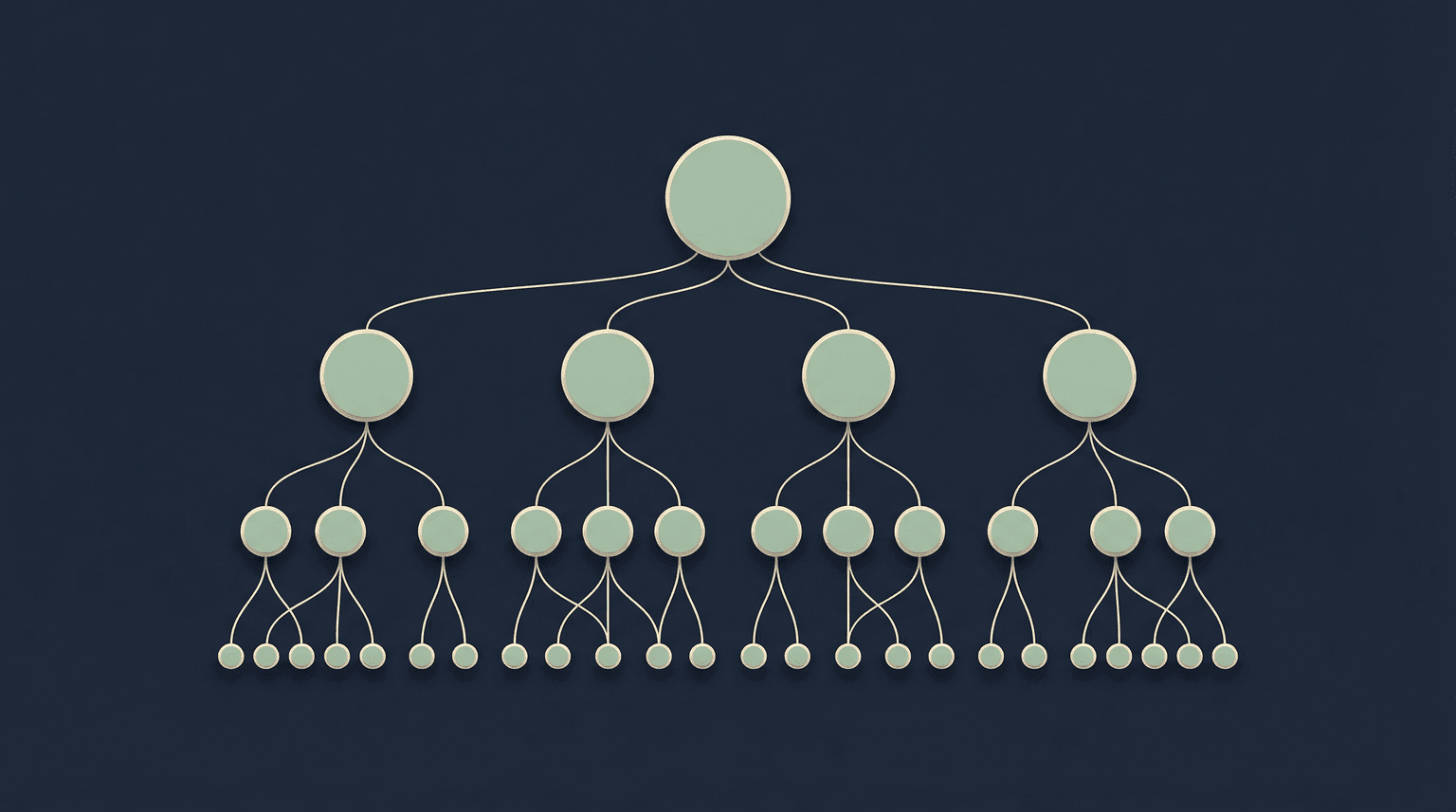
Information architecture is the invisible foundation that determines whether users find what they need. Poor structure creates frustrated users who abandon self-service for support tickets. Strong architecture creates intuitive navigation that guides users to answers efficiently.
Principles of Effective Information Architecture
1. Follow the Inverted Pyramid Model
Structure content from general to specific. Start with broad categories that users understand intuitively, then drill down to specific topics. This mirrors how users naturally search for information.
2. Implement Consistent Naming Conventions
Inconsistent terminology creates confusion. If you call something "workspace" in one article and "project" in another, users waste time verifying they're reading relevant content. Create a terminology glossary and enforce it across all documentation.
3. Design for Multiple Discovery Paths
Users find content through different mechanisms:
- Browsing category hierarchies
- Using search functionality
- Following links from other articles
- Entering from external search engines
Your architecture must support all these paths. Cross-reference related content, use descriptive headings for SEO, and implement robust search with synonyms and common misspellings.
4. Create a Logical Taxonomy
Organize your knowledge base into 5-7 top-level categories maximum. Research from Nielsen Norman Group shows users struggle to process more than seven options at once. Within each category, maintain a maximum depth of 3-4 levels.
Example Knowledge Base Structure
Getting Started
├── Quick Start Guide
├── Account Setup
├── Initial Configuration
└── First Project Tutorial

Features & How-Tos
├── Feature A
│   ├── Overview
│   ├── Basic Usage
│   └── Advanced Tips
├── Feature B
└── Feature C

Troubleshooting
├── Common Issues
├── Error Messages
└── Performance Optimization

Account & Billing
├── Plans & Pricing
├── Payment Methods
└── Invoices & Receipts

Integrations
├── Available Integrations
├── Setup Guides
└── API Documentation
For more detailed guidance on structuring content, explore our ultimate guide to documentation.
Get this knowledge base as a live site
Your knowledge base is already live at yourcompany.dewstack.com, article structure and metadata and all. Edit it, don't start it.
Start free and get it liveNo credit card. Edit it, don't start it.
Writing Clear, Engaging Documentation

Good documentation solves problems efficiently. Every sentence should move users closer to their goal. Forrester Research found that 53% of customers abandon purchases if they cannot find quick answers to their questions—your documentation directly impacts revenue.
The CLEAR Framework for Documentation Writing
C - Concise: Eliminate unnecessary words. If a sentence works without a word, remove it. Technical users especially value brevity.
L - Logical: Present information in the order users need it. Don't explain advanced features before covering prerequisites.
E - Examples-Driven: Abstract explanations fail without concrete examples. Show real scenarios, not hypotheticals.
A - Accessible: Write for your least technical likely reader. Provide context for jargon. Use short paragraphs and clear headings.
R - Reviewable: Structure content so users can scan for relevant sections. Use bullet points, numbered lists, and visual hierarchy.
Specific Writing Recommendations
Use active voice consistently:
- Instead of: "The report can be downloaded by clicking the export button"
- Write: "Click the export button to download the report"
Front-load important information:
- Instead of: "After you've completed the setup wizard and configured your preferences, you can begin creating projects"
- Write: "To create projects, first complete the setup wizard"
Include precise instructions:
- Instead of: "Navigate to settings"
- Write: "Click Settings in the top-right navigation bar"
Provide context for decisions:
- Instead of: "Enable two-factor authentication"
- Write: "Enable two-factor authentication to protect your account from unauthorized access"
Anticipate follow-up questions: After explaining how to complete an action, include common next steps or related tasks users might need.
For additional writing strategies, see our guide on writing FAQs effectively.
Implementing Version Control and Maintenance
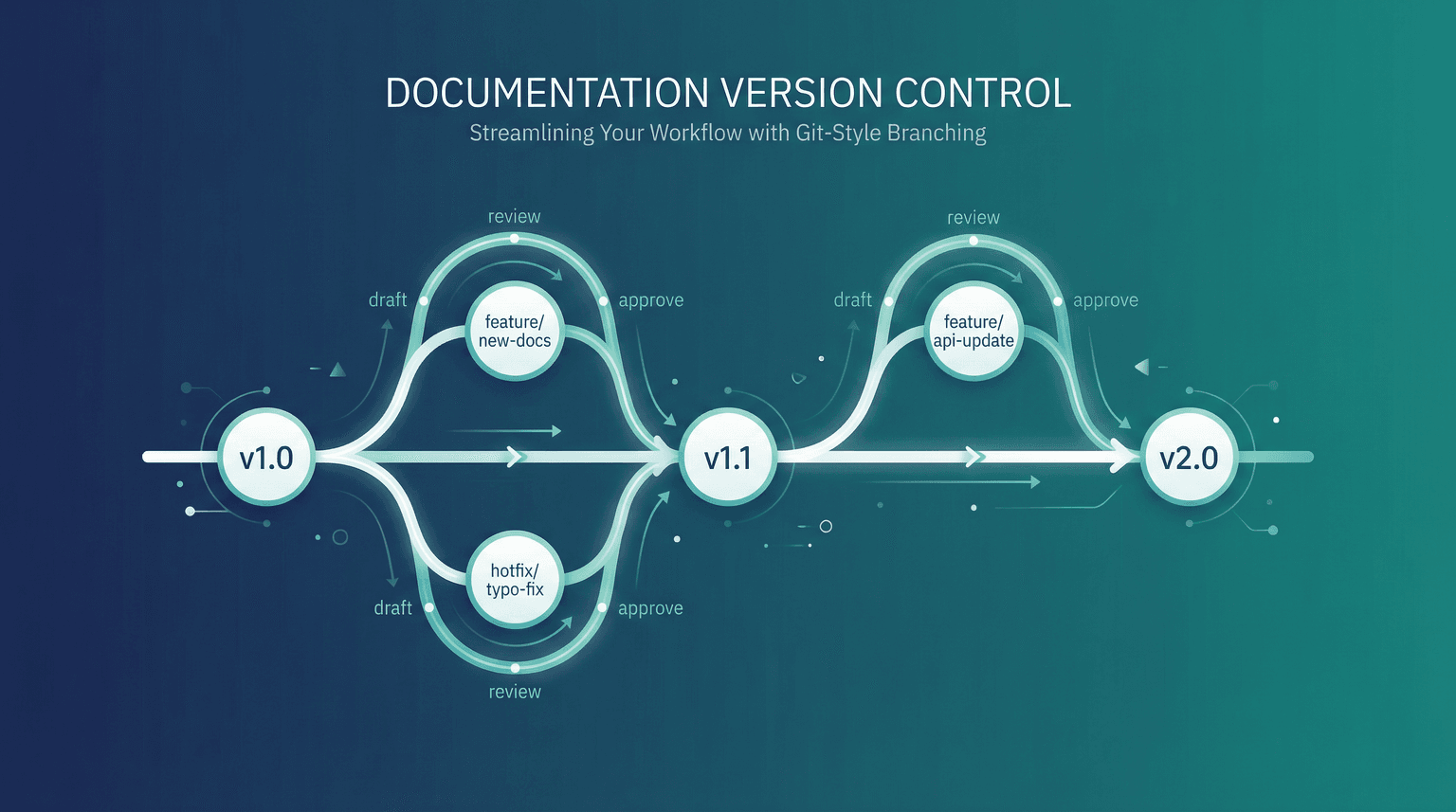
Documentation decay is inevitable. Products evolve, processes change, and information becomes outdated. Without maintenance systems, your knowledge base transforms from an asset into a liability—users lose trust when they encounter outdated content.
Establishing a Maintenance Framework
Assign Clear Ownership: Every article needs an owner responsible for accuracy. Unowned documentation invariably becomes outdated. Assign ownership based on subject matter expertise and include ownership metadata in your content management system.
Implement Review Schedules:
- Critical documentation (setup guides, security information): Review monthly
- High-traffic articles: Review quarterly
- Standard documentation: Review semi-annually
- Archive or update any content not reviewed within 12 months
Track Product Changes: Integrate documentation updates into your product development workflow. When features change, documentation updates should be part of the release checklist, not an afterthought.
Version Control Best Practices
Maintain change history: Track who changed what and when. This enables rollback if errors are introduced and provides accountability.
Use clear version indicators: If you maintain documentation for multiple product versions, clearly indicate which version each article applies to.
Archive rather than delete: Instead of deleting outdated content, archive it. Users of older product versions may still need it, and historical documentation can inform future updates.
Communicate major changes: When significantly updating popular articles, consider notifying affected users or including a "What's Changed" section.
Learn more about sustainable documentation practices in our guide to creating and managing SOPs.
Leveraging AI for Documentation Excellence
The emergence of AI-powered tools has fundamentally changed documentation capabilities. According to Gartner, by 2025, organizations using AI for knowledge management will see 25% improvement in operational efficiency compared to those using traditional methods.
AI Applications in Documentation
Content Creation and Enhancement: AI writing assistants can draft initial documentation, suggest improvements to existing content, and ensure consistency across articles. They excel at transforming technical specifications into user-friendly explanations.
Intelligent Search: AI-powered search understands user intent, not just keywords. It can handle misspellings, synonyms, and natural language queries, dramatically improving findability. Users searching for "how do I cancel my account" and "delete my subscription" should find the same article.
Personalization: AI can customize documentation experiences based on user behavior, role, and history. A power user sees advanced options upfront; a new user sees beginner-friendly content.
Gap Analysis: AI tools can analyze search queries, support tickets, and user behavior to identify documentation gaps—topics users need but cannot find.
Translation and Localization: AI significantly reduces the cost and time required for multi-language documentation, making global knowledge bases practical for smaller organizations.
To understand how AI transforms knowledge management, explore our detailed guide on AI knowledge bases.
Implementation Recommendations
- Start with search: AI-powered search provides immediate value with minimal implementation effort
- Use AI assistance, not replacement: Human review remains essential for accuracy and brand voice
- Train AI on your content: Generic AI tools improve dramatically when trained on your specific terminology and style
- Measure impact: Track metrics before and after AI implementation to quantify value
Measuring Documentation Effectiveness

What gets measured gets improved. Without metrics, documentation improvements become guesswork. Effective measurement requires tracking both leading indicators (user behavior) and lagging indicators (business outcomes).
Essential Documentation Metrics
Engagement Metrics:
- Article views: Which content receives the most traffic
- Time on page: Are users reading or bouncing immediately
- Scroll depth: How much of articles do users actually read
- Search queries: What are users looking for
Effectiveness Metrics:
- Search success rate: Percentage of searches that result in article views
- Feedback ratings: User satisfaction with specific articles
- Contact rate after viewing: Did users still need support after reading documentation
Business Impact Metrics:
- Ticket deflection rate: Reduction in support tickets for documented topics
- Time to resolution: Speed improvement for issues with documentation
- Customer satisfaction scores: CSAT changes correlated with documentation usage
- Onboarding completion rates: New user success metrics
Creating a Feedback Loop
Implement in-article feedback: Simple thumbs up/down ratings identify problematic content quickly.
Analyze failed searches: Search queries with no results or no clicks reveal documentation gaps.
Review support ticket content: When tickets reference documentation, identify why the documentation failed to resolve the issue.
Conduct user interviews: Quantitative data shows what's happening; qualitative research explains why.
Regular stakeholder reviews: Meet monthly with support, product, and success teams to identify emerging documentation needs.
Real-World Case Studies
Case Study 1: SaaS Startup Reduces Support Volume by 35%
Challenge: A growing B2B SaaS company faced support ticket volumes increasing 50% quarter-over-quarter while team headcount remained flat.
Approach:
- Analyzed top 100 support tickets to identify common themes
- Created comprehensive getting-started documentation with video walkthroughs
- Implemented AI-powered search with natural language processing
- Added contextual help within the product linking to relevant documentation
Results:
- 35% reduction in tier-1 support tickets within 6 months
- Average resolution time decreased from 4 hours to 45 minutes
- Customer satisfaction scores improved by 12 points
- Support team reallocated to proactive customer success activities
Case Study 2: Enterprise Transforms Internal Knowledge Management
Challenge: A 5,000-employee enterprise struggled with knowledge silos. Critical information existed in individual team drives, email threads, and undocumented tribal knowledge.
Approach:
- Conducted company-wide documentation audit
- Implemented centralized knowledge base with role-based access
- Created documentation standards and templates
- Assigned content owners and established review workflows
- Integrated documentation into employee onboarding
Results:
- New employee time-to-productivity reduced by 40%
- 60% reduction in internal support requests to IT and HR
- Significant improvement in process consistency across departments
- Documentation became a measured component of team KPIs
Case Study 3: E-commerce Platform Improves Customer Self-Service
Challenge: A D2C e-commerce brand received thousands of customer inquiries about shipping, returns, and product information—questions that should be answerable through self-service.
Approach:
- Built comprehensive FAQ section based on customer inquiry analysis
- Created product-specific guides with visual instructions
- Implemented chatbot trained on knowledge base content
- Added help widgets throughout the customer journey
Results:
- Self-service resolution rate improved from 23% to 67%
- Customer service team costs reduced significantly
- Order completion rate increased 8% (customers found answers pre-purchase)
- Net Promoter Score improved by 15 points
Actionable Implementation Checklist
Use this checklist to build or improve your knowledge base documentation:
Phase 1: Foundation (Weeks 1-2)
- Conduct documentation audit of existing content
- Analyze support tickets for common questions
- Define target audience personas
- Establish documentation goals and success metrics
- Select knowledge base software platform
Phase 2: Structure (Weeks 3-4)
- Design information architecture and taxonomy
- Create style guide and writing standards
- Build article templates for different content types
- Establish naming conventions and terminology glossary
- Set up version control and review workflows
Phase 3: Content Creation (Weeks 5-8)
- Prioritize content based on user impact
- Create getting-started and onboarding documentation first
- Develop troubleshooting guides for top issues
- Write feature documentation following established templates
- Add visuals, screenshots, and video where helpful
Phase 4: Launch and Iterate (Ongoing)
- Implement analytics tracking
- Add user feedback mechanisms
- Establish content review calendar
- Create process for documentation updates with product changes
- Review metrics monthly and adjust strategy based on data
Conclusion
Effective documentation is not a one-time project—it's an ongoing discipline that pays compounding dividends. Organizations that invest in comprehensive, well-maintained knowledge bases see measurable improvements in customer satisfaction, support efficiency, and operational effectiveness.
The key is starting with a strategic foundation: understanding your audiences, building logical structure, writing clear content, and measuring results. From there, continuous iteration based on user feedback and analytics transforms good documentation into great documentation.
Whether you're serving external customers or internal teams, the principles remain consistent: make information findable, make it understandable, and keep it current. Master these fundamentals, and your knowledge base becomes one of your organization's most valuable assets.
Build Your Knowledge Base with Dewstack
Ready to create documentation that truly serves your users? Dewstack provides the complete platform for building, managing, and scaling knowledge bases that drive results.
Document knowledge in real-time: The Dewstack browser extension empowers your team to capture processes, solutions, and insights as they work. Build comprehensive knowledge base articles without dedicated writing time.
AI that multiplies your content's value: SmartDocs transforms your knowledge base into an intelligent knowledge engine. Turn static articles into dynamic, conversational experiences—scaling your organization's expertise infinitely.
Bring all your content together: Import existing documentation from Google Docs, Confluence, Notion, Word, and PDFs. Dewstack unifies your knowledge in one organized, searchable platform with powerful categorization and version control.
Measure, optimize, and grow: Built-in analytics show you exactly how users engage with your knowledge base. Identify popular articles, discover content gaps, and continuously improve based on real data. Custom domains and branding create a seamless experience for your users.
Ready to build a knowledge base that actually gets used? Try Dewstack for free and experience the difference intelligent documentation makes.
Ready to Elevate Your Documentation?
Try Dewstack free for 7 days. Create AI-powered documentation that answers questions instantly.
Start a free trialANSWERS TO
Frequently Asked Questions
Here are some common questions that might provide the information you're seeking.
Related Blogs
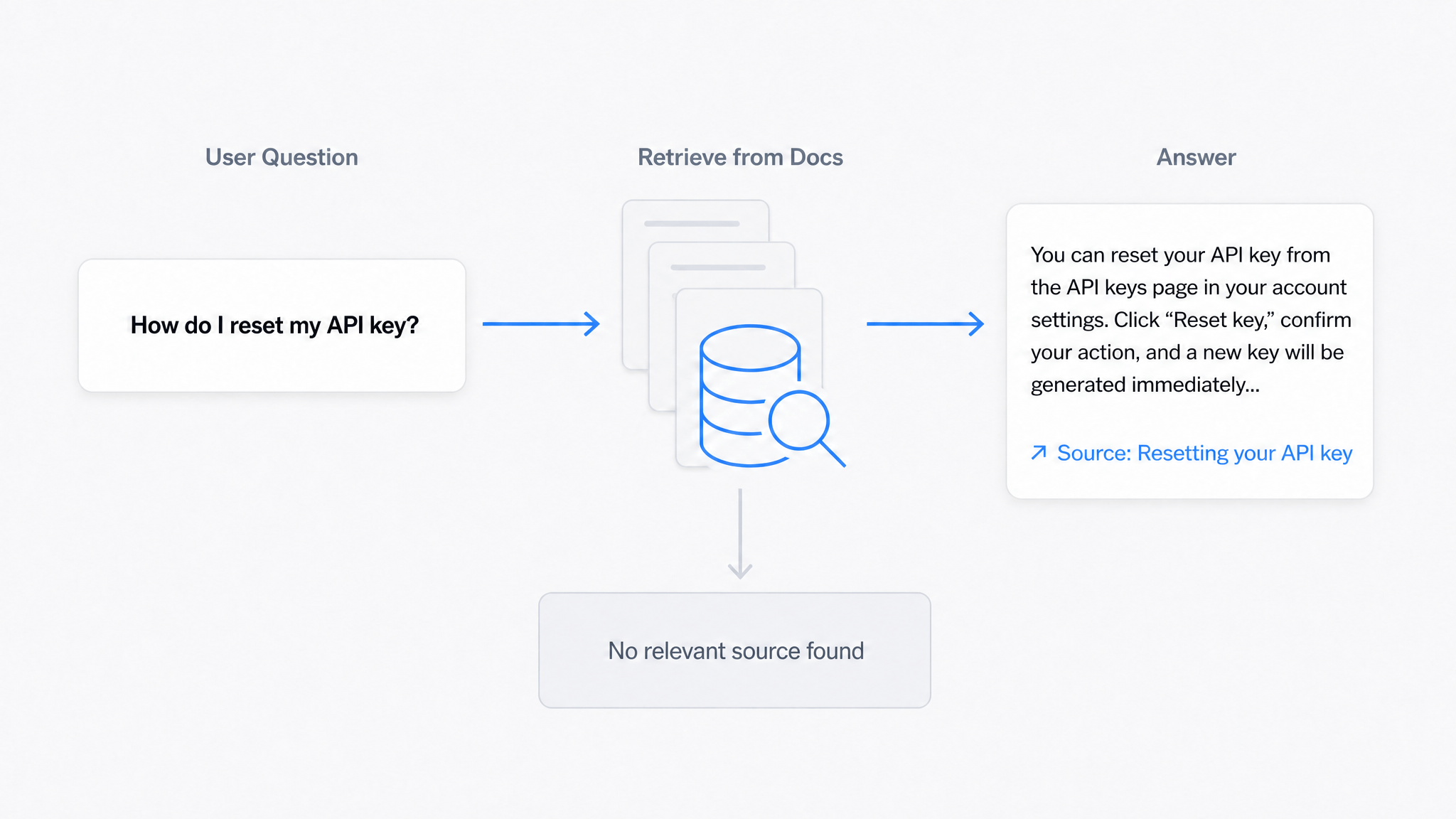
AI Answers From Your Docs: Grounded Answers, Citations & Hallucination Control
How an AI chatbot for technical documentation gives grounded answers with source citations, controls hallucinations, and turns unanswered questions into drafted pages.
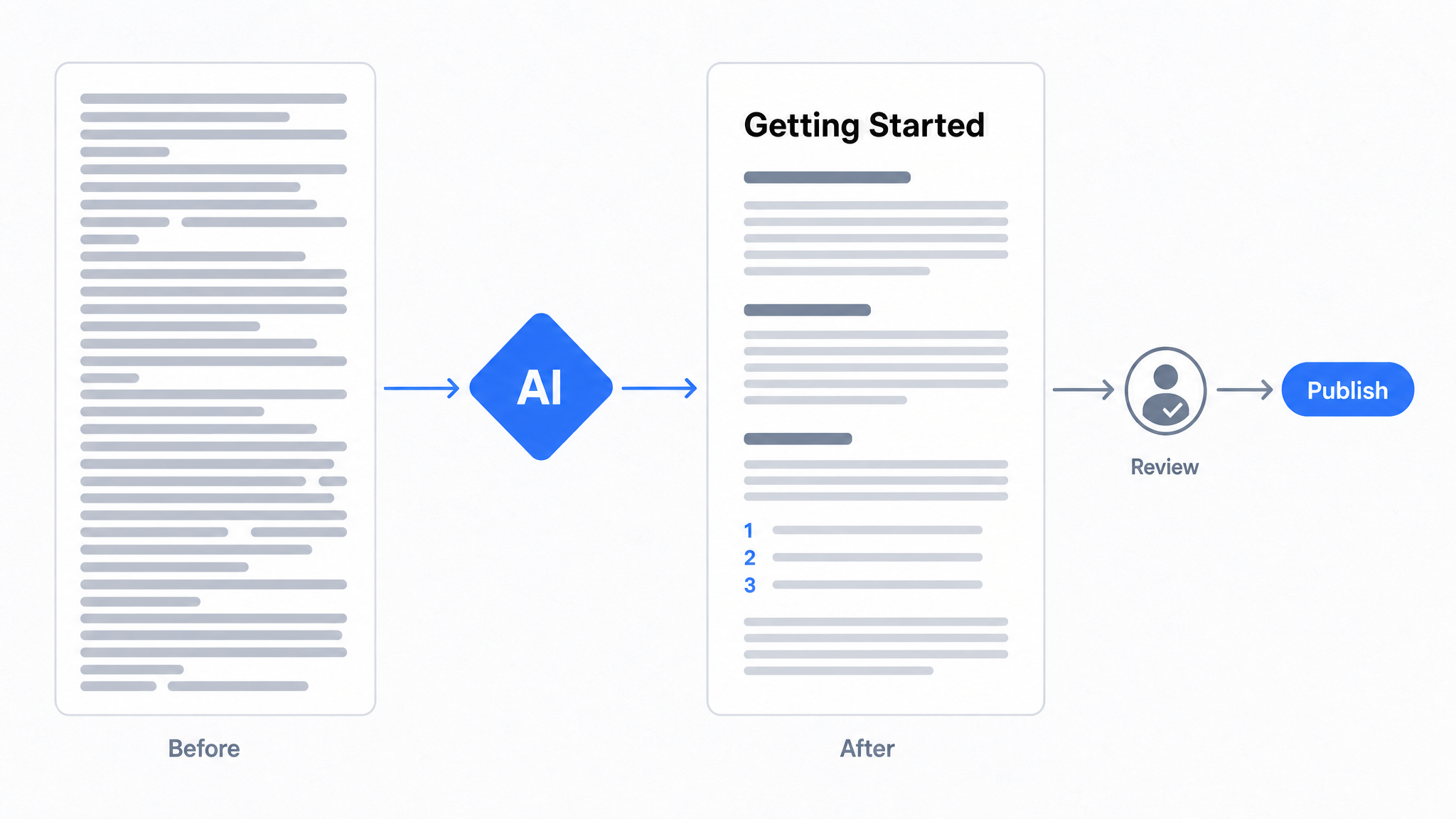
How to Use AI to Improve Existing Documentation
Use AI to audit, rewrite, and translate the documentation you already have, and let a connected agent draft improvements to stale pages for a human to publish.
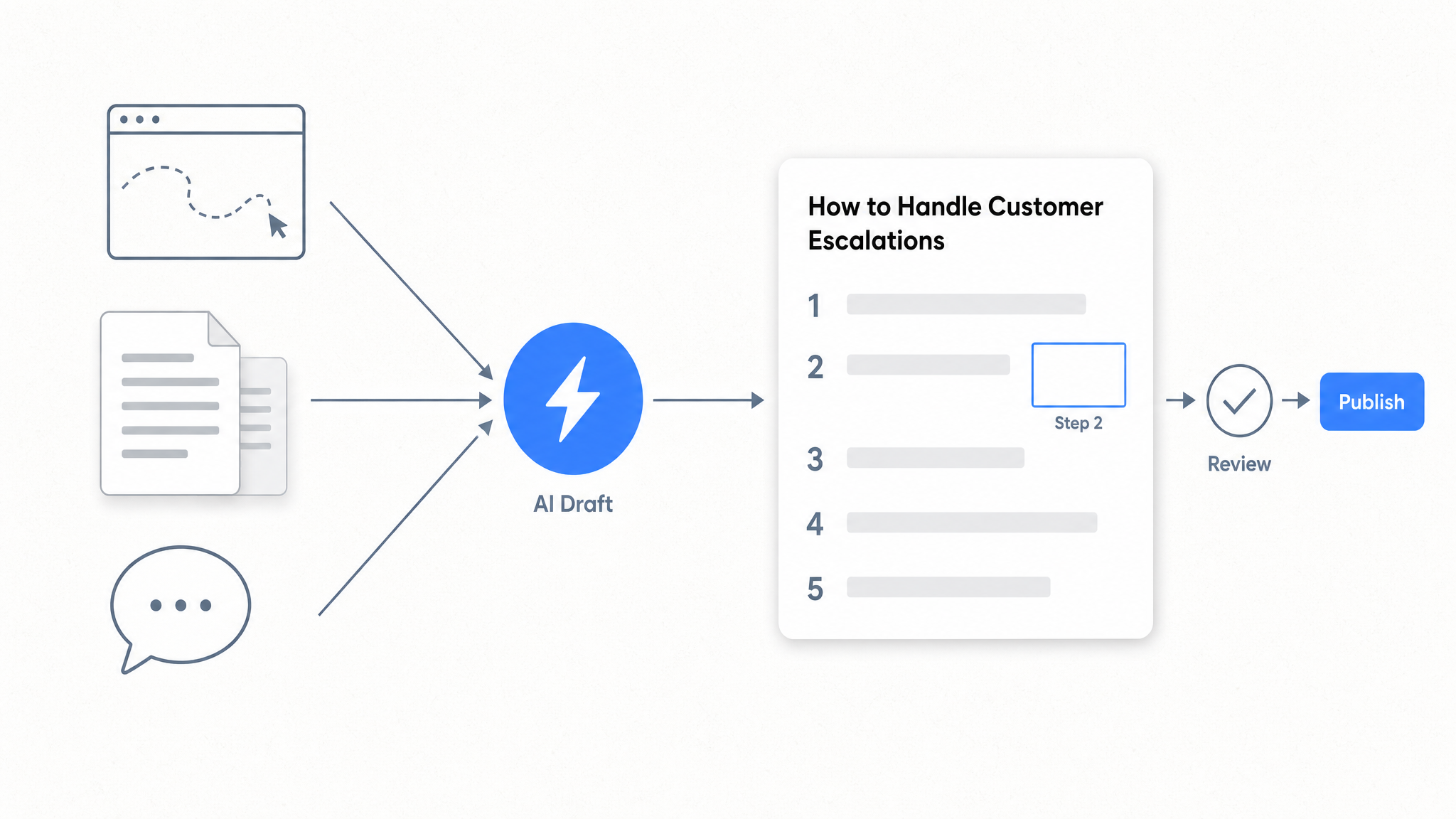
How to Automate SOP Creation with AI
Capture a workflow, let AI draft the SOP, review it, and publish it to a searchable knowledge base your team can query around the clock.
Ready to get started with Dewstack?
Try Dewstack free for 7 days. Create AI-powered documentation that answers questions instantly.
No credit card required.