Revolutionize Your Documentation with the Ultimate Import Tool


Revolutionize Your Documentation with the Ultimate Import Tool
There's a ready-made version of this
Your migration checklist is already live at yourcompany.dewstack.com, covering the pre-migration audit through post-migration validation. Edit it, don't start it.
Preview itNo credit card. Edit it, don't start it.
Your team's knowledge is scattered across a dozen different platforms. Critical procedures live in Google Docs. Product specs are buried in Confluence. Onboarding materials exist as Word documents on a shared drive. Support guides? Those are in Notion. And somewhere, there is a PDF from 2019 that contains the only documentation for a process your team still uses daily.
Sound familiar? You are not alone. The average employee now uses 9.4 different applications just to get their work done, according to Okta's Business at Work report. Each of these applications becomes another potential home for documentation, creating a web of fragmented knowledge that slows teams down and frustrates everyone involved.
This guide explores the real cost of documentation fragmentation, what to look for in a migration solution, and how to successfully consolidate your knowledge into a single, searchable source of truth.
The Documentation Fragmentation Problem
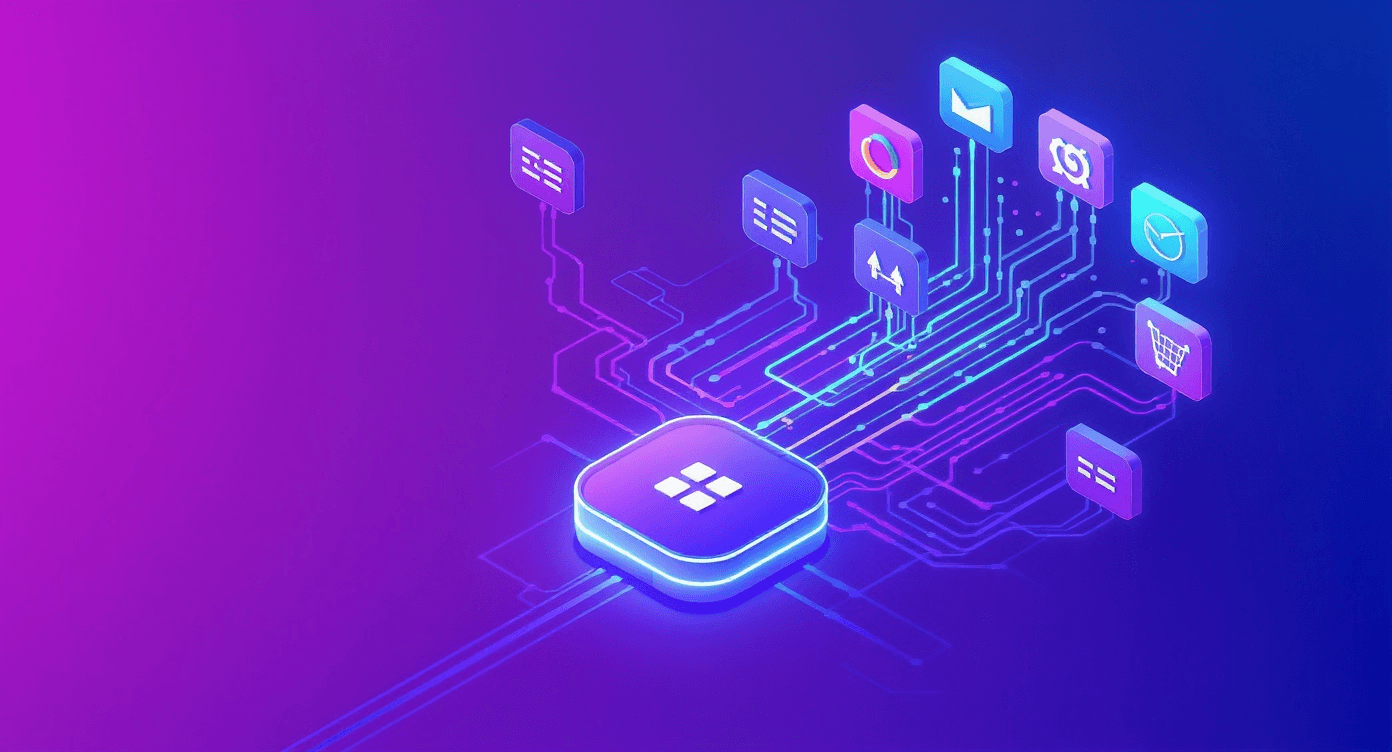
Documentation fragmentation does not happen overnight. It is the gradual result of organic growth, tool experimentation, team preferences, and organizational changes. Understanding why content gets scattered is the first step toward solving the problem.
How Documentation Gets Scattered
Tool proliferation: When teams adopt new tools for specific purposes (project management, design collaboration, customer support), documentation naturally follows. Marketing creates content in one system while engineering uses another, and support maintains their own knowledge base.
Mergers and acquisitions: Companies that grow through acquisition inherit multiple documentation systems. Integrating these systems often falls to the bottom of the priority list, leaving knowledge siloed by legacy organizational boundaries.
Remote and hybrid work: The shift to distributed work accelerated the adoption of various collaboration tools. Different teams may have adopted different platforms based on their specific needs or preferences during this transition.
Lack of governance: Without clear documentation standards, employees store information wherever is most convenient at the moment. Over time, this creates a patchwork of content across email threads, chat messages, shared drives, wikis, and specialized platforms.
Platform limitations: Sometimes existing tools simply cannot accommodate all documentation needs. When a platform lacks support for certain content types or collaboration features, teams find workarounds that create additional fragmentation.
The Symptoms of Fragmented Documentation
How do you know if documentation fragmentation is affecting your organization? Watch for these warning signs:
- Employees frequently ask where to find specific information
- Multiple versions of the same document exist across different platforms
- New hires take longer than expected to become productive
- Teams duplicate work because they cannot find existing resources
- Search results return incomplete or outdated information
- Knowledge walks out the door when employees leave
The True Cost of Siloed Documentation
The impact of fragmented documentation extends far beyond minor inconvenience. Research consistently shows that knowledge workers spend approximately 20% of their time searching for information across applications. For a team of 50 employees, that translates to 10 full-time employees worth of productivity lost to information hunting every year.
Productivity Losses
When documentation lives in multiple places, every search becomes a multi-step process. Employees must remember which platform contains what information, navigate to each system, execute separate searches, and piece together fragments from different sources. This context-switching destroys focus and flow states that are essential for deep work.
Onboarding Delays
New team members face the steepest learning curve when documentation is fragmented. They must learn not only the content itself but also the tribal knowledge of where different types of information live. Effective onboarding documentation can reduce time-to-productivity by weeks, but only if new hires can actually find it.
Knowledge Loss
When an employee leaves, their institutional knowledge often leaves with them. In a fragmented environment, much of that knowledge exists in personal documents, private channels, or platforms that others do not have access to. Centralizing documentation creates organizational resilience against turnover.
Inconsistency and Errors
Different platforms may contain conflicting versions of the same procedure or policy. Without a single source of truth, teams may follow outdated processes or make decisions based on incomplete information. For standard operating procedures and compliance documentation, this inconsistency can have serious consequences.
Hidden Maintenance Costs
Maintaining documentation across multiple platforms multiplies the effort required to keep content current. Updates must be made in multiple places, increasing the chance that some versions fall out of sync. This maintenance burden often leads to documentation being neglected entirely.
What to Look for in a Documentation Import Solution
Not all import tools are created equal. When evaluating documentation platforms for migration, consider these essential capabilities:
Format Support
The most critical factor is whether the platform can import content from your existing sources. Look for support across common formats:
- Document formats: Microsoft Word (.docx), PDF, Rich Text Format (.rtf)
- Web formats: HTML, Markdown
- Collaboration platforms: Google Docs, Confluence, Notion exports
- Archive formats: ZIP files containing multiple documents
- Structured data: CSV for FAQ imports or content tables
Formatting Preservation
Importing content is only useful if the formatting survives the transition. Evaluate how well the platform handles:
- Heading hierarchy and document structure
- Lists (ordered and unordered, including nested lists)
- Tables with complex layouts
- Images and embedded media
- Links (both internal cross-references and external URLs)
- Code blocks and technical formatting
- Custom styling and brand elements
Batch Import Capabilities
Migrating documentation one file at a time is impractical for larger knowledge bases. Look for platforms that support:
- Multi-file upload and processing
- Folder structure preservation
- Automated organization based on file metadata
- Progress tracking for large migrations
- Error handling and retry capabilities
Post-Import Editing
Even the best import tools may require some cleanup. The destination platform should offer robust editing capabilities including:
- WYSIWYG and Markdown editing options
- Easy reformatting and restructuring
- Bulk operations for common fixes
- Version history to track changes
- Collaborative editing for team review
Integration Ecosystem
Consider how the import tool connects with your existing workflow:
- Direct integrations with cloud storage (Google Drive, Dropbox, OneDrive)
- API access for custom migration scripts
- Integration with communication tools like Slack for notifications
- Single sign-on compatibility for seamless team access
Platform Comparison: Formats and Export Capabilities
Understanding what formats to expect from your existing platforms helps plan a successful migration. Here is what you can typically export from common documentation tools:
| Source Platform | Primary Export Formats | Notes |
|---|---|---|
| Google Docs | DOCX, PDF, HTML, Markdown, ODT | Preserves most formatting; images embedded |
| Confluence | HTML, PDF, XML, Word | Space exports include hierarchy; some macros may not convert |
| Notion | Markdown, HTML, PDF, CSV | Includes subpages; database views export as CSV |
| SharePoint | Native format varies, PDF | Structure depends on site configuration |
| Microsoft Word | Native DOCX, PDF | Highest formatting fidelity |
| Dropbox Paper | Markdown, DOCX | Limited formatting options |
| Gitbook | Markdown | Good for technical documentation |
| Zendesk Guide | HTML, PDF | Article structure preserved |
Format Recommendations by Content Type
Different content types migrate best in different formats:
Technical documentation: Markdown preserves code formatting and works well for developer-focused content. HTML is a good alternative when complex layouts are involved.
Business procedures: Word documents (.docx) typically maintain the best formatting fidelity for traditional business documents with tables, images, and structured layouts.
Reference materials: PDF works for archival purposes but limits editability. Consider converting PDFs to editable formats during migration when ongoing updates are expected.
FAQs and structured content: CSV exports allow clean import of question-answer pairs and other structured data into dedicated FAQ systems.
Migration Best Practices and Strategies
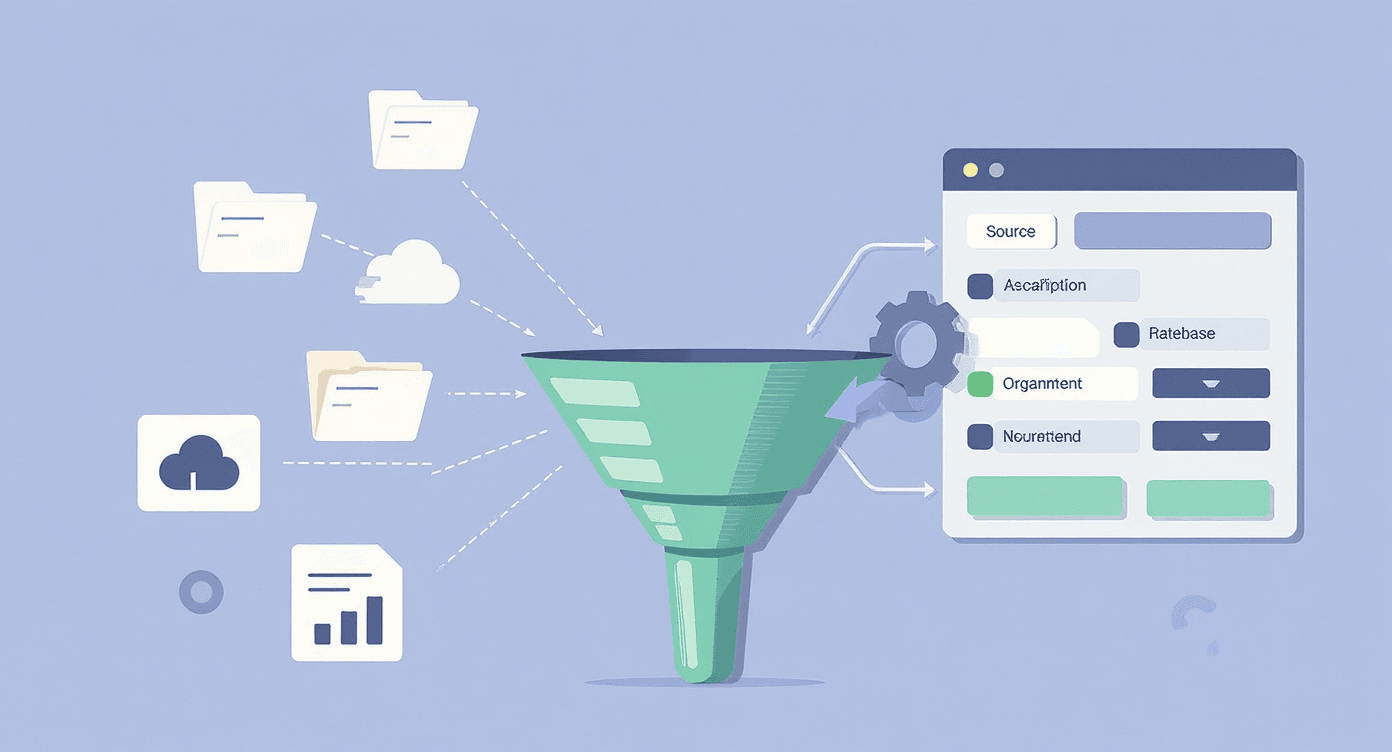
A successful documentation migration requires planning, execution, and follow-through. These strategies help ensure a smooth transition.
Phase 1: Audit and Inventory
Before migrating anything, understand what you have:
- Catalog existing documentation: Create an inventory of all documentation across platforms, including location, format, owner, and last update date.
- Assess content quality: Not everything deserves migration. Identify content that is outdated, redundant, or no longer relevant. Migration is an opportunity to clean house.
- Map information architecture: Determine how content should be organized in the new system. Consider user needs, content relationships, and navigation patterns.
- Identify stakeholders: Document who owns each content area and who needs to be involved in review and approval.
Phase 2: Pilot Migration
Start small to validate your approach:
- Select representative content: Choose a subset that includes various formats, content types, and complexity levels.
- Test import process: Run the pilot migration and document any issues with formatting, structure, or content integrity.
- Gather feedback: Have content owners review migrated materials and note required adjustments.
- Refine process: Update your migration procedures based on pilot learnings before scaling up.
Phase 3: Full Migration
Execute the migration systematically:
- Migrate by priority: Start with high-traffic, business-critical documentation to maximize early impact.
- Maintain parallel access: Keep source systems available during transition to avoid disrupting ongoing work.
- Track progress: Use a migration tracker to monitor completion status and identify bottlenecks.
- Communicate changes: Keep stakeholders informed about migration progress and any access changes.
Phase 4: Validation and Cleanup
Ensure quality after migration:
- Verify content integrity: Check that all content migrated correctly, with no missing sections or broken elements.
- Fix formatting issues: Address any formatting problems that occurred during import.
- Update internal links: Replace links pointing to old locations with new URLs.
- Redirect legacy URLs: Set up redirects from old documentation URLs to prevent broken links and preserve SEO value.
Common Migration Challenges and How to Overcome Them
Even well-planned migrations encounter obstacles. Here are the most common challenges and how to address them:
Challenge: Broken Internal Links
Problem: Documents often link to other documents in the same system. These links break when content moves to a new platform.
Solution: Create a URL mapping table before migration. After import, use find-and-replace or automated scripts to update internal links. Some platforms offer link validation tools to identify broken references.
Challenge: Lost Formatting
Problem: Complex formatting, custom styles, and platform-specific features may not survive migration.
Solution: Simplify formatting before export when possible. Use standard heading styles and avoid platform-specific features. Plan for post-import cleanup of complex documents.
Challenge: Missing Images
Problem: Embedded images may not export correctly or may be linked to sources that become inaccessible.
Solution: Export documents with embedded (not linked) images when possible. Verify image export settings before batch migration. Have a process for re-uploading missing images.
Challenge: Permission and Access Issues
Problem: Content may have varying access restrictions that need to be preserved in the new system.
Solution: Document access requirements as part of your content audit. Map old permission structures to new platform capabilities. Verify access controls after migration.
Challenge: User Adoption
Problem: Teams may resist moving away from familiar tools or continue using old systems.
Solution: Communicate the benefits of consolidation clearly. Involve key users in the migration planning. Provide training on the new platform. Set clear deprecation dates for old systems.
Challenge: Content Duplication
Problem: The same content may exist in multiple places, making it unclear which version to migrate.
Solution: Identify duplicates during the audit phase. Designate authoritative versions and archive or delete redundant content. Establish governance to prevent future duplication.
Tips for Preserving Formatting and Structure
Maximize formatting retention with these practical techniques:
Pre-Export Preparation
- Standardize styles: Before export, apply consistent heading styles (Heading 1, Heading 2, etc.) rather than manual formatting.
- Simplify tables: Complex merged cells often cause issues. Simplify table structures when possible.
- Embed images: Ensure images are embedded rather than linked to external sources.
- Remove proprietary elements: Platform-specific widgets, macros, or embedded applications rarely migrate well. Document these for manual recreation.
Export Settings
- Choose appropriate formats: Match export format to content type. Markdown for technical docs, DOCX for business documents.
- Include metadata: Export with metadata like author, date, and tags when the platform supports it.
- Preserve hierarchy: Use export options that maintain document structure and relationships.
Post-Import Optimization
- Review heading structure: Verify the document outline looks correct after import.
- Check image quality: Ensure images imported at acceptable resolution.
- Validate links: Test both internal and external links.
- Verify code formatting: For technical documentation, confirm code blocks render correctly.
Post-Migration Optimization
Migration is not the finish line. Optimizing your consolidated documentation maximizes the value of your investment.
Content Enhancement
With all documentation in one place, you can now improve it systematically:
- Add search optimization: Review titles and content for searchability. Add relevant keywords and clear descriptions.
- Implement consistent structure: Apply documentation best practices across all content.
- Create navigation aids: Build tables of contents, category pages, and cross-references to help users find related content.
- Add missing content: The audit likely identified gaps. Prioritize creating high-value missing documentation.
Analytics and Improvement
Use data to guide ongoing optimization:
- Track search queries: Understand what users look for and whether they find it.
- Monitor popular content: Identify heavily-used documentation that deserves extra attention.
- Identify dead ends: Find content with high bounce rates that may need improvement.
- Gather feedback: Enable user ratings or comments to collect improvement suggestions.
Governance and Maintenance
Prevent future fragmentation with clear processes:
- Establish ownership: Assign content owners responsible for keeping documentation current.
- Define review cycles: Schedule regular reviews to catch outdated content.
- Create contribution guidelines: Document standards for new content creation.
- Implement approval workflows: Ensure content quality through review processes.
Leverage AI Capabilities
Modern knowledge base platforms offer AI-powered features that add value to migrated content:
- Smart search: AI-enhanced search understands user intent, not just keywords.
- Automated answers: AI can synthesize answers from across your documentation.
- Content suggestions: AI identifies related articles users might find helpful.
- Gap analysis: AI can identify missing topics based on user queries.
Migration Checklist
Use this checklist to guide your documentation migration:
Pre-Migration
- Complete inventory of all documentation across platforms
- Identify content owners and stakeholders
- Assess content quality and flag items for archival or deletion
- Design target information architecture
- Select and set up destination platform
- Document access and permission requirements
- Create URL mapping for redirects
- Plan communication to affected users
During Migration
- Complete pilot migration with representative content
- Gather and incorporate pilot feedback
- Export content in appropriate formats
- Execute batch import to new platform
- Track migration progress by content area
- Address formatting and structure issues
- Update internal links to new locations
- Verify content integrity after import
Post-Migration
- Validate all content migrated successfully
- Configure redirects from old URLs
- Test search functionality
- Set up analytics and monitoring
- Train users on new platform
- Communicate launch and deprecation dates
- Document governance processes
- Schedule initial content review cycle
- Archive or decommission legacy systems
Get this migration checklist as a live site
Your migration checklist is already live at yourcompany.dewstack.com, covering the pre-migration audit through post-migration validation. Edit it, don't start it.
Start free and get it liveNo credit card. Edit it, don't start it.
Key Takeaways
- Documentation fragmentation is costly: With employees using 9.4 apps on average and spending 20% of time searching for information, scattered documentation directly impacts productivity and organizational effectiveness.
- Migration requires strategy: Successful consolidation involves auditing existing content, piloting the migration approach, executing systematically, and optimizing post-migration.
- Tool selection matters: Look for import solutions that support your source formats, preserve formatting, enable batch operations, and integrate with your workflow.
- Plan for the entire lifecycle: Migration is not a one-time event. Establishing governance, ownership, and maintenance processes prevents future fragmentation.
- Leverage the opportunity: Consolidation is a chance to improve documentation quality, fill gaps, and implement AI-powered features that multiply the value of your knowledge base.
Migrate and Modernize with Dewstack
Switching documentation platforms should not mean starting from scratch. Dewstack makes migration effortless with powerful import capabilities that preserve your hard work.
Import from anywhere: Bring existing documentation from Word, PDF, Markdown, HTML, Google Docs, Confluence, Notion, or even ZIP archives. Dewstack handles the heavy lifting, preserving formatting and structure so you can focus on improving rather than rebuilding.
Beyond import, capture new content easily: Once your existing docs are imported, Dewstack's browser extension lets your team create new documentation in real-time. Capture screenshots, annotate workflows, and build user guides without leaving your browser.
AI that enhances everything: SmartDocs transforms your imported content into an intelligent knowledge base. Users get instant, accurate answers to their questions, no matter where the original content came from.
One platform, complete control: After import, enjoy version control, powerful search, analytics, custom domains, and branding that makes your product documentation feel like a seamless extension of your product.
Ready to bring all your documentation together? Try Dewstack for free and discover how easy migration can be.
Ready to Elevate Your Documentation?
Try Dewstack free for 7 days. Create AI-powered documentation that answers questions instantly.
Start a free trialANSWERS TO
Frequently Asked Questions
Here are some common questions that might provide the information you're seeking.
Related Blogs
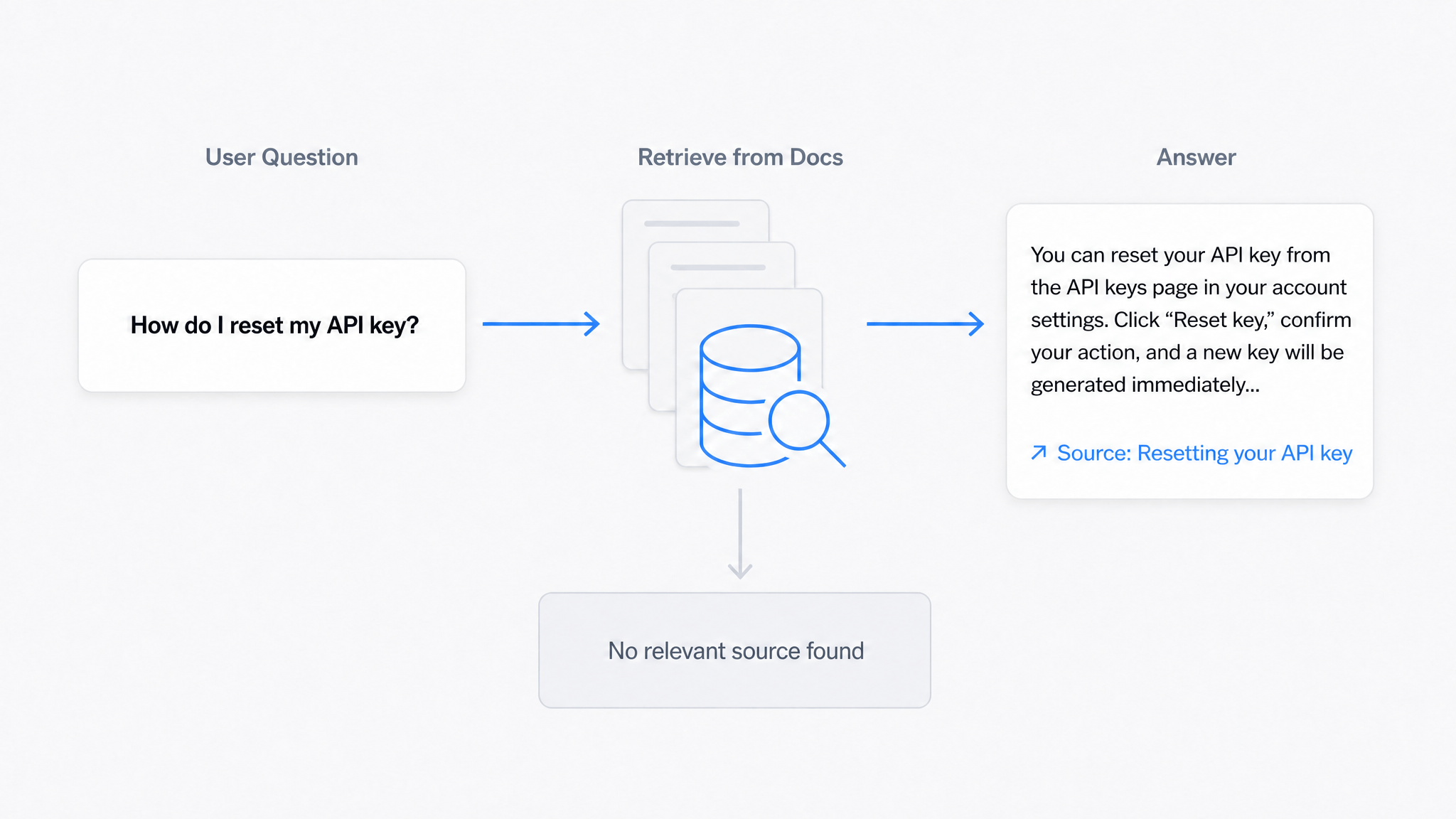
AI Answers From Your Docs: Grounded Answers, Citations & Hallucination Control
How an AI chatbot for technical documentation gives grounded answers with source citations, controls hallucinations, and turns unanswered questions into drafted pages.
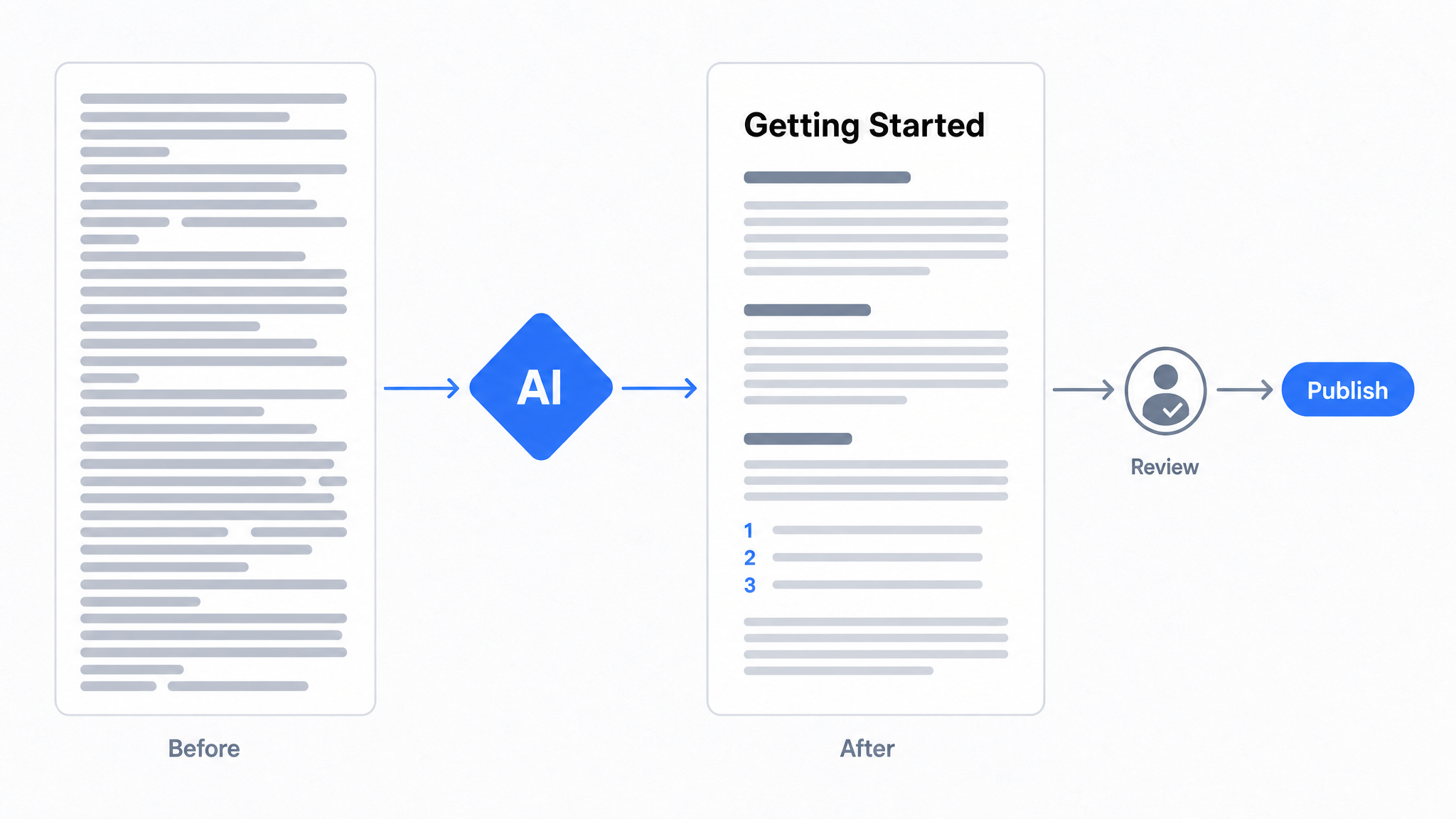
How to Use AI to Improve Existing Documentation
Use AI to audit, rewrite, and translate the documentation you already have, and let a connected agent draft improvements to stale pages for a human to publish.
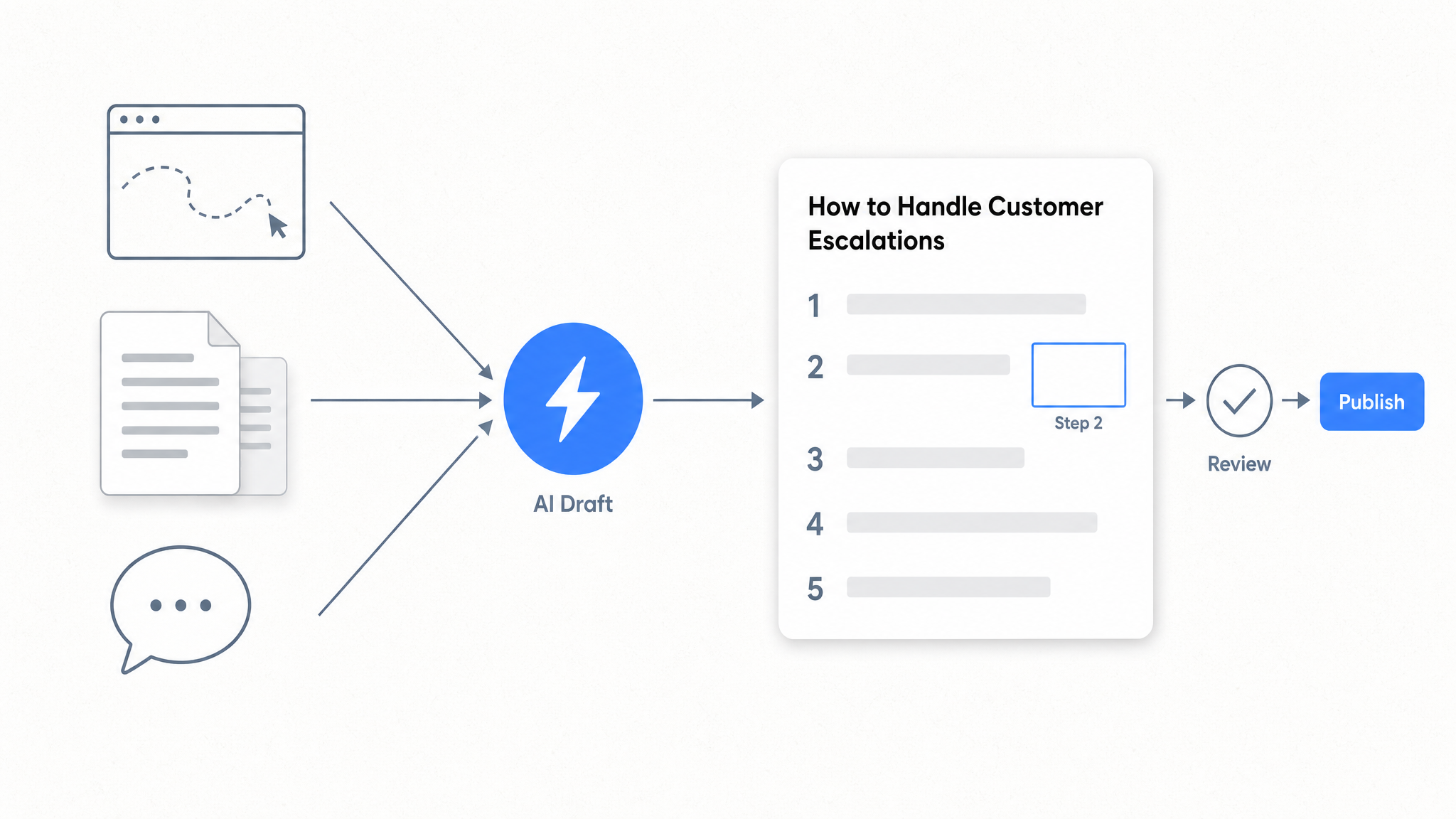
How to Automate SOP Creation with AI
Capture a workflow, let AI draft the SOP, review it, and publish it to a searchable knowledge base your team can query around the clock.
Ready to get started with Dewstack?
Try Dewstack free for 7 days. Create AI-powered documentation that answers questions instantly.
No credit card required.